
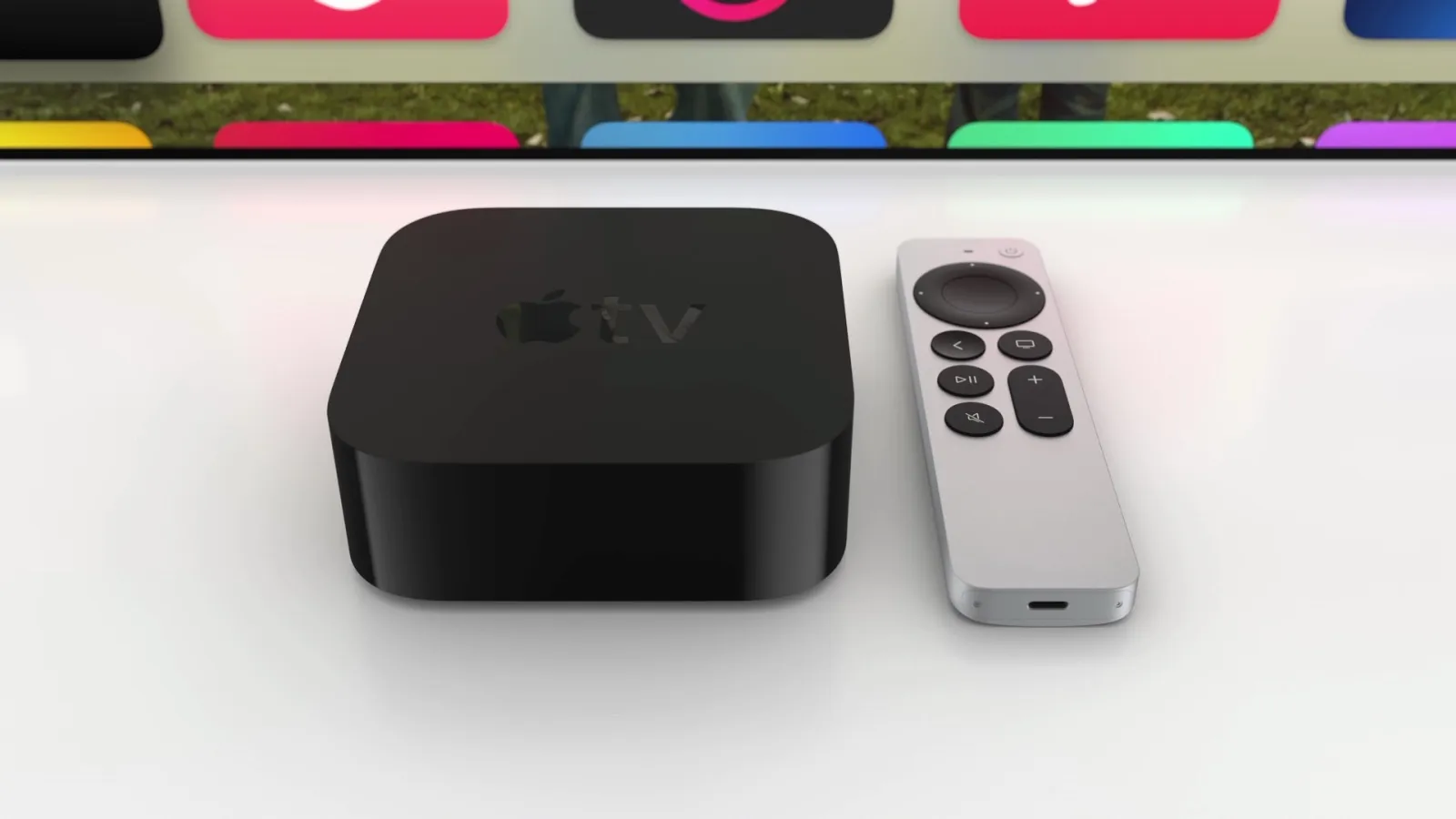
Apple offers an Apple TV Remote app on iPhone, iPad, and even Apple Watch—but not the Mac. So one developer created his own solution: Itsytv, a new macOS app for controlling your Apple TV.
Itsytv is a menu bar app for Mac that lets you control your Apple TV
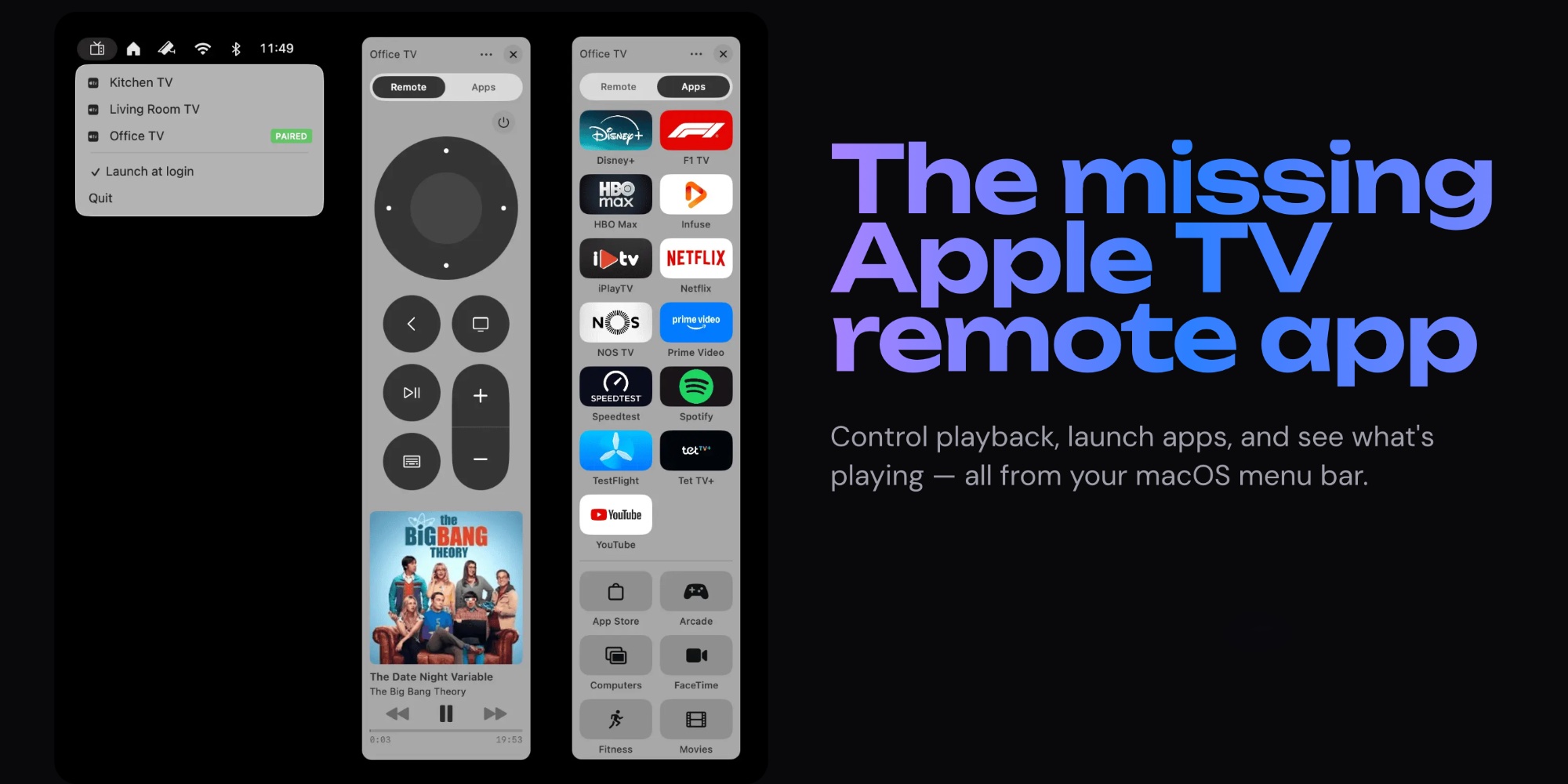
Have you ever wanted a quick, easy way to control an Apple TV from the Mac? Developer Nick Ustinov wanted one too—so he built it.
Itsytv is a new, free menu bar app for Mac that lets you control your Apple TV’s playback, launch apps, adjust volume, and more.
You can download Itsytv for free here.
Here’s an overview of features, via the website:
- Native macOS: Built with Swift and SwiftUI — no Electron, no web views. Runs silently in your menu bar.
- App launcher: Browse all installed Apple TV apps in a grid with App Store icons. Launch any app in one click.
- Navigate with keyboard: Arrow keys, Return, Space, Escape — control your Apple TV without touching the mouse.
- Text input: Type search queries and passwords on your Mac keyboard instead of pecking letters on the TV screen.
- Now playing: See what’s playing with album artwork, title, artist, and a live progress bar in your menu bar.
- Multi-device: Pair multiple Apple TVs on your network and switch between them instantly.
- Secure: End-to-end encrypted communication with your Apple TV. Pairing credentials stored securely in Keychain.
Ustinov is also the developer behind Itsyhome, a Mac menu bar app for controlling HomeKit devices. If you’re a fan of Itsytv, be sure to check it out too.
Both apps are entirely free, but Itsyhome offers a ‘Pro’ purchase to support ongoing development.
Have you been wanting an Apple TV Remote app for Mac? Let us know how Itsytv works for you via the comments.
Best Apple TV 4K accessories
- AirPods Pro 3 (limited-time $209 price, down from $249)
- Anti-slip silicone case for Siri Remote, AirTag compatible
- TotalMount for mounting Apple TV
- iPhone Continuity Camera mount for Apple TV


FTC: We use income earning auto affiliate links. More.



Comments